CAA Just Changed the Game: HOTMA Readiness Training for HUD Multifamily Teams
- February 11, 2026
- 1:00 pm
- 60 Mins
- Rhanda McKown
HOTMA Refresher for HUD Multifamily Properties 2026
- February 28, 2026
- 1:00 pm
- 60 Mins
- Rhanda McKown
How To Process Garnishments In 2026? Decoding Employer’s Responsibilities Under The Recent Tax Reforms
- February 11, 2026
- 3:00 pm
- 60 Mins
- Dayna J Reum
- (CPP)
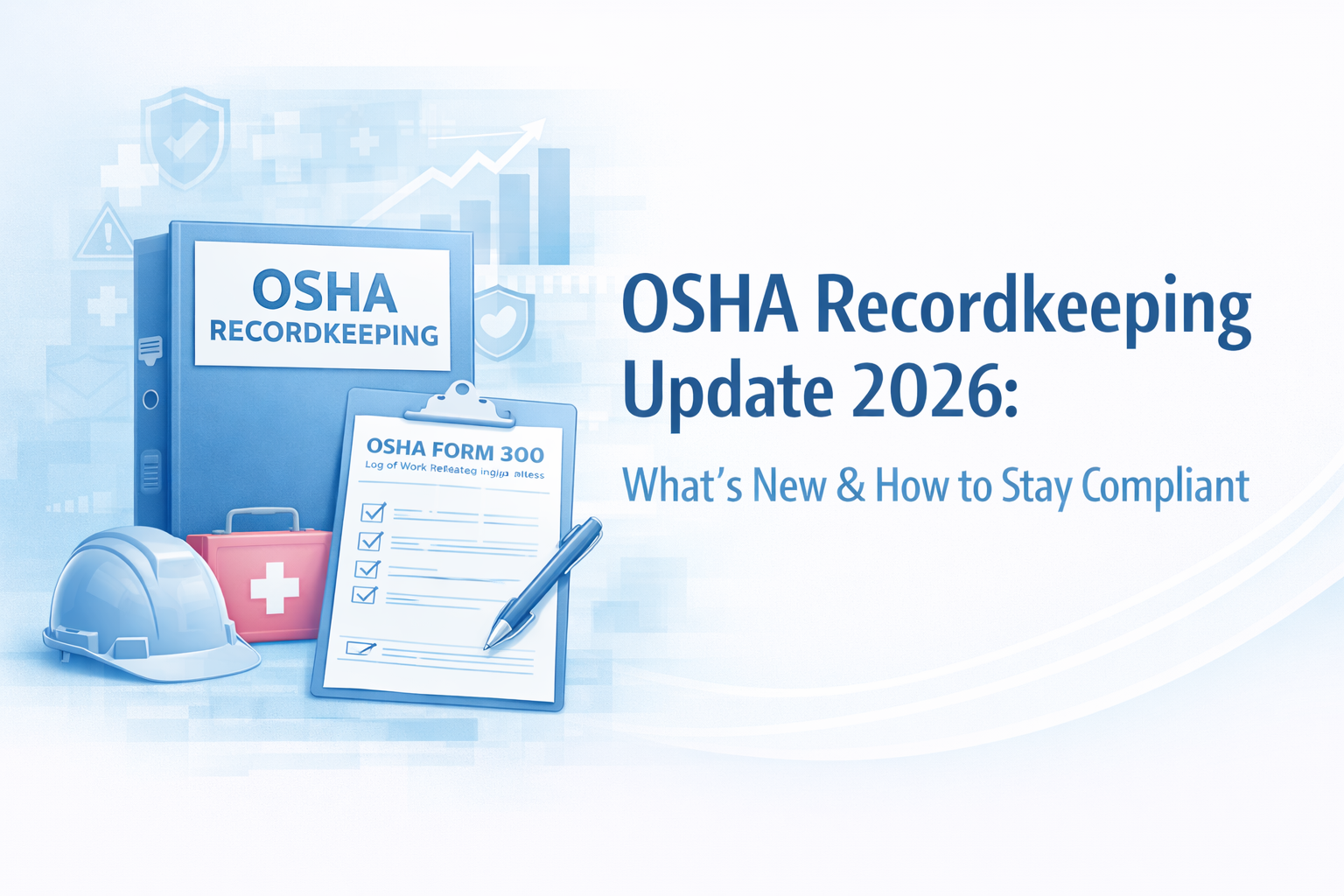
OSHA Recordkeeping Update 2026: What’s New & How to Stay Compliant
- January 31, 2026
- 5:00 pm
- 60 Mins
- Joe Keenan
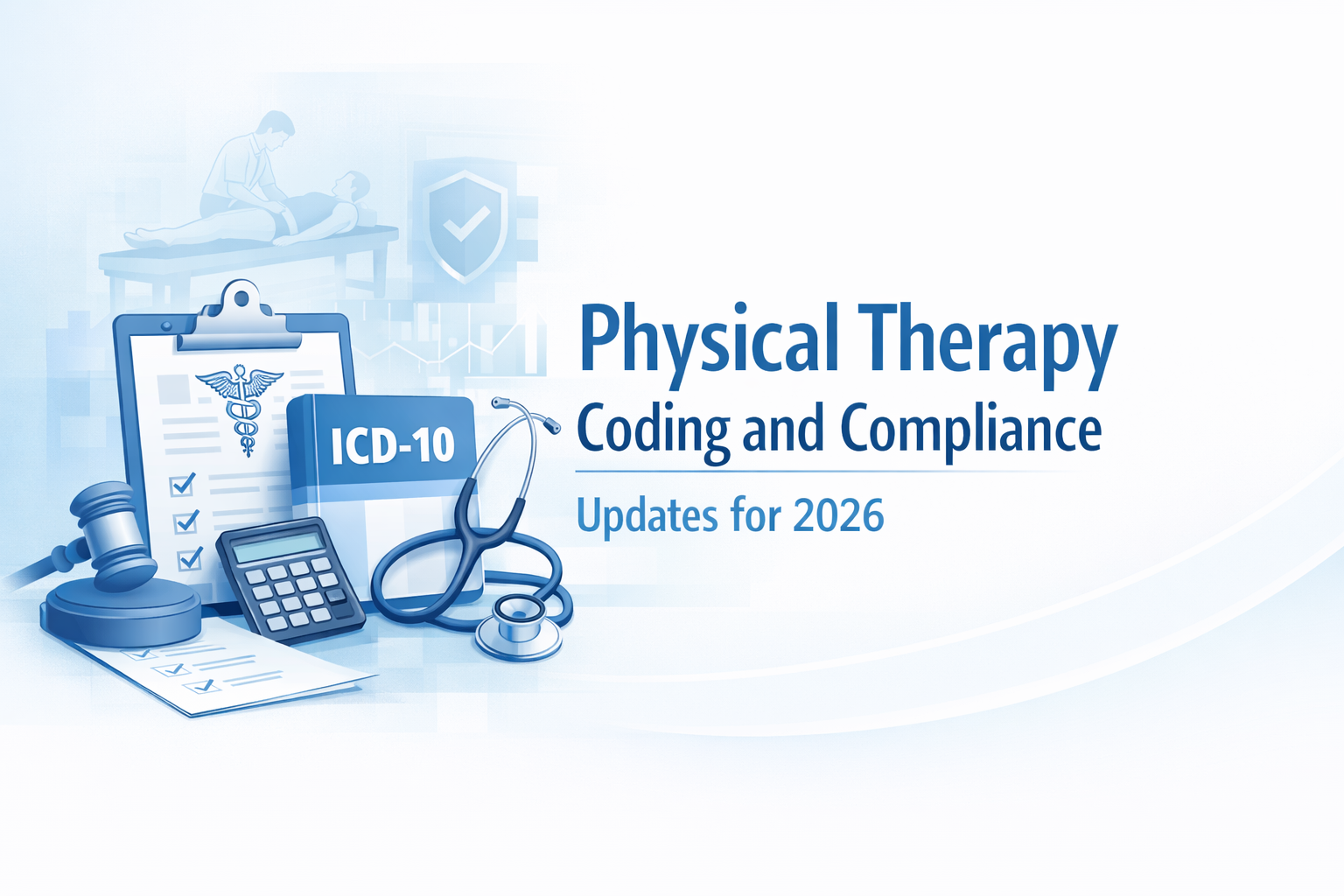
Physical Therapy Coding and Compliance Updates for 2026
- February 10, 2026
- 12:00 pm
- 60 Mins
- Lynn M. Anderanin
- (CPC, CPMA, CPC-I, CPPM, COSC)
- February 28, 2026
- 1:00 pm
- 60 Mins
- February 11, 2026
- 1:00 pm
- 60 Mins

- February 11, 2026
- 3:00 pm
- 60 Mins
- January 31, 2026
- 5:00 pm
- 60 Mins
- February 10, 2026
- 12:00 pm
- 60 Mins
Services
What we Provide
Health care
Housing & Constructions
Business Management
Technology
Yoga Wellness
HR & payroll
Finance
Contact Us
We are here assest you.
Call: +1 562-340-6155
Mon - Fri: 8am - 6pm ET
Email : support@webinarmailings.com
Web: audiowebinars.com
Location : 9712 3/4 Ramona St Bellflower, CA 90706
Price & Plans
Affordable Packages
best PLAN
UNLIMITED ANNUAL PLANS
ANNUAL PLANS
$
1,499
Monthly
-
Unlimited Access To All Webinars For 1 Year
-
Valid for 12 months from the date of purchase
-
DVD & Flash Drive not included
-
Single user access only
ALL-IN-ONE LEARNING SOLUTION
ABOUT OUR Audio Webinars STORE
Audio Webinars is an online training platform that provides most affordable and updated information, knowledge, updates, regulations to professionals across industries.0
Our Services
Frequently Asked Questions
For the group or multi attendee registration, please contact us at support@audiowebinars.com By default, all your purchases are for individual use only.
Customers can use any Debit/Credit Card or PayPal to make the payment online. If you wish to be invoiced and pay later by check then please e-mail us at support@audiowebinars.com
Broadcast includes the recording of the webinar with its handouts. We will send you a link on your e-mail, by which you can stream the recording of the webinar online.
This is also an interactive training session conducted through a conference line where attendees will be able to listen to the speaker. However, they cannot see the screen of the speaker. But they can run the slides manually to understand what the speaker is presenting. The PPT is provided to the attendee in advance. These sessions are typically 60-90 minutes long. The participants are allowed to ask questions to the speaker during Q&A time.
An interactive training session conducted in web platforms. A webinar is typically 60-90 minutes long. The speaker/presenter shares his screen and voice with the registered participants. A participant can ask live questions through audio or chat window to the speaker during the session during Q&A session at the end of the presentation.
Transcript is a word to word description of the webinar recording with its handouts in a PDF format.
Flash Drive/DVD includes the access to the recording of the webinar with its handouts. This will be delivered to your mailing address.
If you have placed an order for the single or combo of Digital Download, Broadcast & Transcript, the download links will be available under your online account at www.audiowebinars.com . Once you are logged in, check on the left-hand side of your account dashboard and you will see an option named as “Downloads”. Once you click on Downloads, you will see the list of your orders and download links available for them. This gets updated under your account right after you placed the order for any pre-recorded webinar. If the webinar is of a future date, then it will take 2-3 business days from the date of the Live Webinar.
If you have placed the order for the Flash Drive or DVD, then it will be delivered on your mailing address within 7-10 business days from the date of your order. If the webinar is of a future date, then it will take 7-10 business days from the date of the Live Webinar.
The instructions to join the conference will be available under your online account at www.audiowebinars.com . Once you are logged in, check on the left-hand side of your account dashboard and you will see an option named as “Dial-In Instructions”. Once you click on Dial-In Instructions, you will see the list of your upcoming webinars with a PDF for the instructions. You just need to click on the PDF link to follow the instructions. These instructions are usually get updated 2 days in advance of the date of the live webinar, but in some cases, it could be couple of hours before the webinar scheduled time.